
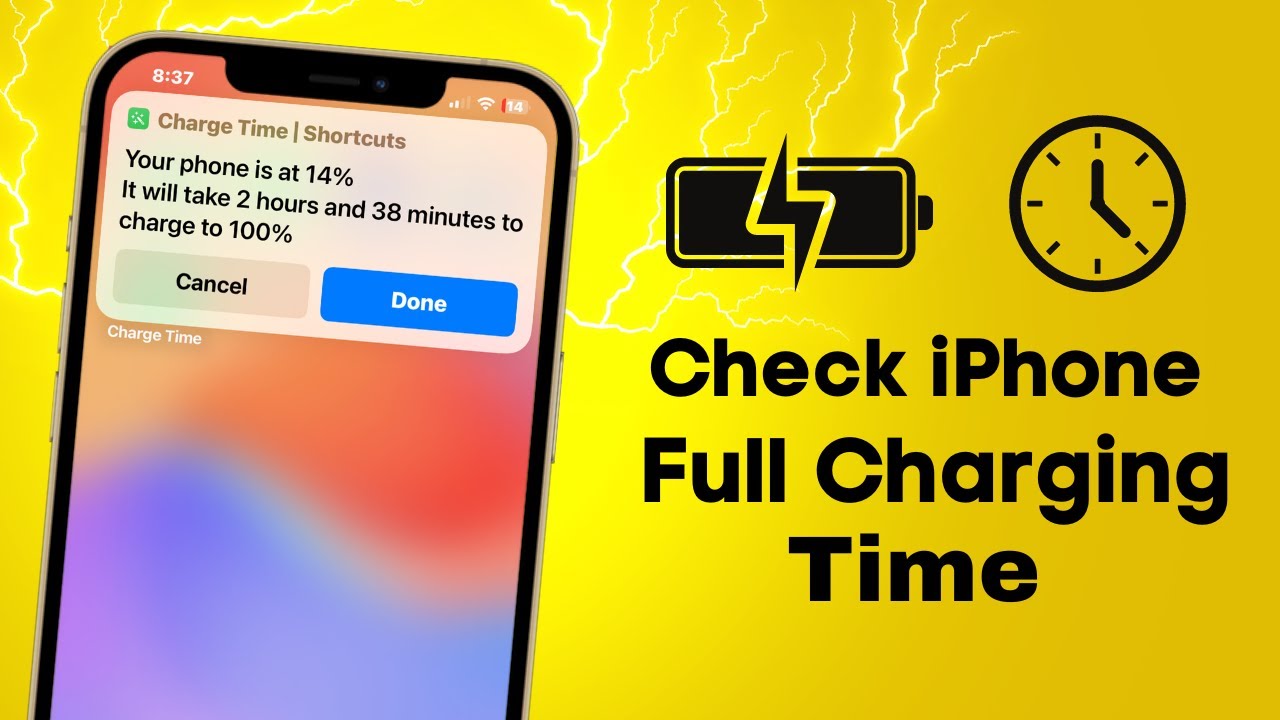
In the fast-paced digital world of 2026, our smartphones are our lifelines. Whether you are a power user, a mobile gamer, or someone who relies on their device for work, knowing exactly how long your device needs to stay tethered to a power source is essential. If you’ve ever found yourself asking, “How long does it take to charge an iPhone to 100%?” you aren’t alone.
Charging speeds have evolved significantly over the years. With the introduction of advanced battery management features in iOS 26, Apple has made it easier than ever to track your charging progress. However, the total time required depends on a variety of factors, including your charging method, the wattage of your adapter, and your current battery health.
Understanding iPhone Charging Speeds in 2026
The time it takes to reach a full charge is rarely a static number. On average, most modern iPhones equipped with fast charging capabilities can reach a 50% charge in approximately 30 minutes using a high-wattage power adapter. However, the journey from 50% to 100% takes longer due to trickle charging, a process that protects your battery’s long-term health.
Wired vs. Wireless: What’s the Difference?
The method you choose to power up your device makes a massive difference in your wait time:
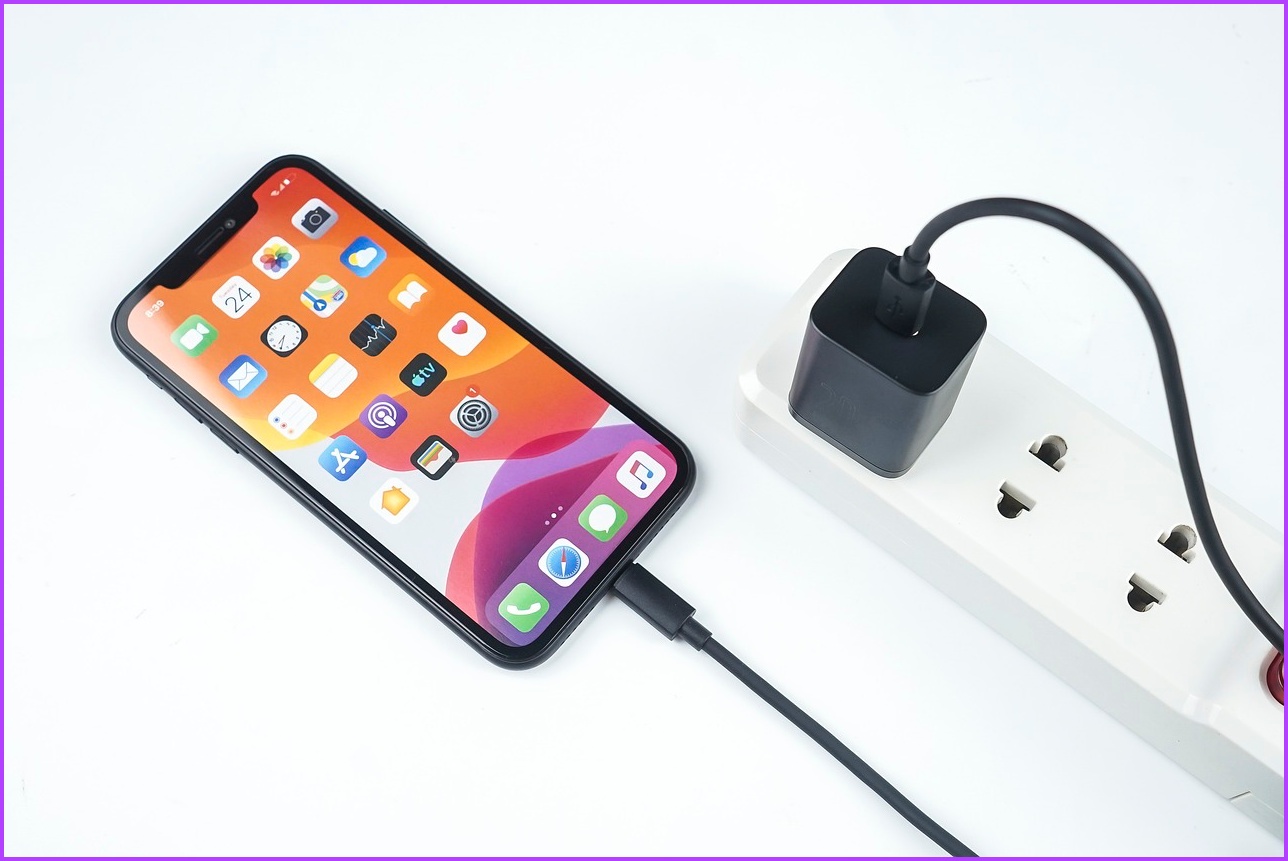
- Wired Charging (USB-C): This remains the gold standard for speed. Using a 20W or higher power adapter, you can typically hit a full charge in 60 to 90 minutes.
- MagSafe Charging: While incredibly convenient, wireless charging is generally slower. Expect a full charge to take roughly 2 hours on average.
- Standard Qi Wireless Charging: This is typically the slowest method, often requiring 3 hours or more depending on the alignment and the charger’s output.

New Features in iOS 26: Real-Time Estimates
Apple has refined the user experience in iOS 26 to provide better transparency regarding battery health and charging duration. You no longer have to guess when your phone will be ready to go.
To get an accurate estimate, navigate to Settings > Battery. Here, iOS 26 provides a dynamic reading of how long it will take to reach 80% or 100% (or your specific charge limit). This feature is particularly useful for users utilizing the 80% charge limit feature, which is designed to extend the overall lifespan of your iPhone’s lithium-ion battery.
Factors That Affect Your Charging Time
Several variables can influence how quickly your iPhone reaches 100%. If your phone is charging slower than expected, consider these common culprits:
- The Power Adapter: Using an old 5W brick will result in significantly slower speeds compared to modern 20W, 30W, or higher USB-C power adapters.
- Temperature: Heat is the enemy of lithium-ion batteries. If your iPhone gets too hot while charging, the system will automatically throttle charging speeds to protect internal components.
- Background Activity: If you are playing graphics-intensive games or running background updates while plugged in, the phone will prioritize system performance, which can extend the time needed to reach full capacity.
- Cable Quality: Always use MFi-certified (Made for iPhone) cables. Cheap, uncertified cables often fail to deliver the full wattage your phone is capable of receiving.
Pro-Tips for Efficient Charging
To ensure your iPhone charges as quickly and safely as possible, follow these best practices:
- Enable Optimized Battery Charging: This feature learns your daily routine and waits to finish charging past 80% until you need to use your phone, keeping your battery healthy for years.
- Remove the Case: If your phone feels hot to the touch during wireless charging, removing a thick or non-vented case can improve heat dissipation.
- Use Airplane Mode: If you are in a rush and need the fastest charge possible, enabling Airplane Mode reduces power consumption, allowing more current to be directed toward the battery.
Conclusion: Is 100% Always Necessary?
While the question “How long does it take to charge an iPhone to 100%?” is common, it is worth noting that for most users, staying between 20% and 80% is the “sweet spot” for long-term battery longevity. In 2026, with the intelligent management tools provided by iOS 26, you can easily manage your battery health while ensuring your device is ready when you need it most.
Whether you rely on the speed of a wired connection or the convenience of MagSafe, understanding these charging dynamics will help you get the most out of your iPhone throughout the day. Keep your software updated, use quality accessories, and let your phone’s battery settings guide your charging habits for the best results.